
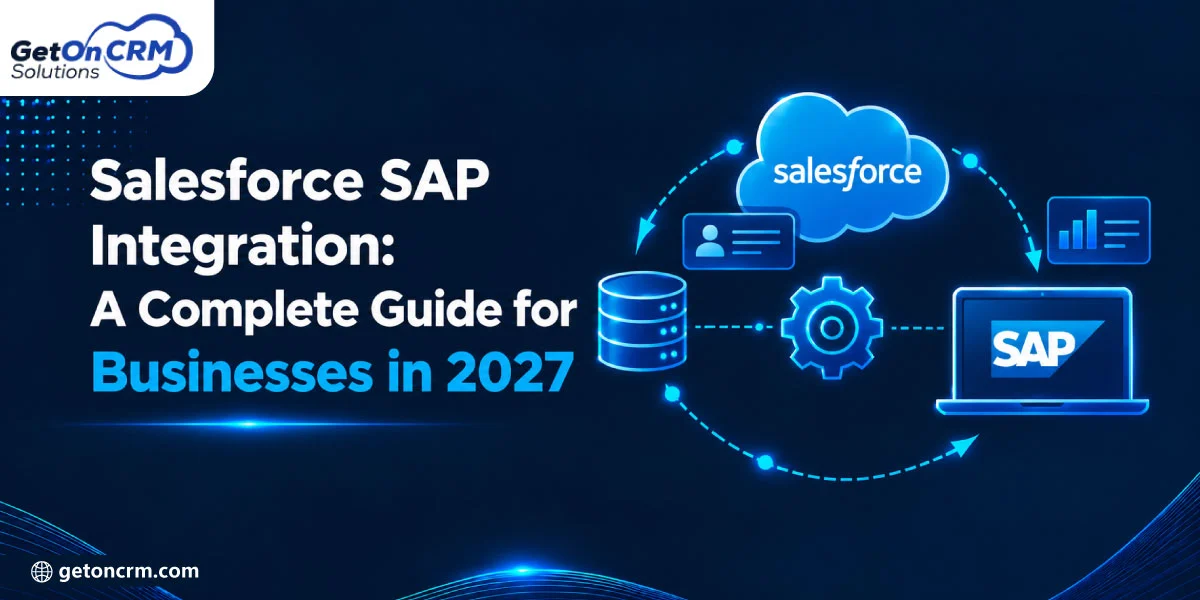
Salesforce and SAP play a necessary role in managing customer relationships and core business operations. However, disconnected systems can create data silos, manual work, and delays.
Salesforce integration services allow businesses to connect these platforms, improve data visibility, and streamline workflows across finance, sales, and operations.
The guide explains Salesforce SAP integration methods, benefits, implementation steps, costs, challenges, and salesforce sap integration best practices in 2027.
345% ROI and less than six-month payback: The study revealed an ROI of 345% over three years for the composite organization representative of the six companies interviewed using SAP Integration Suite. This return, coupled with a payback period of less than six months, made SAP Integration Suite a financially sound investment for the organizations looking to optimize their integration strategies.
What Is Salesforce SAP Integration?
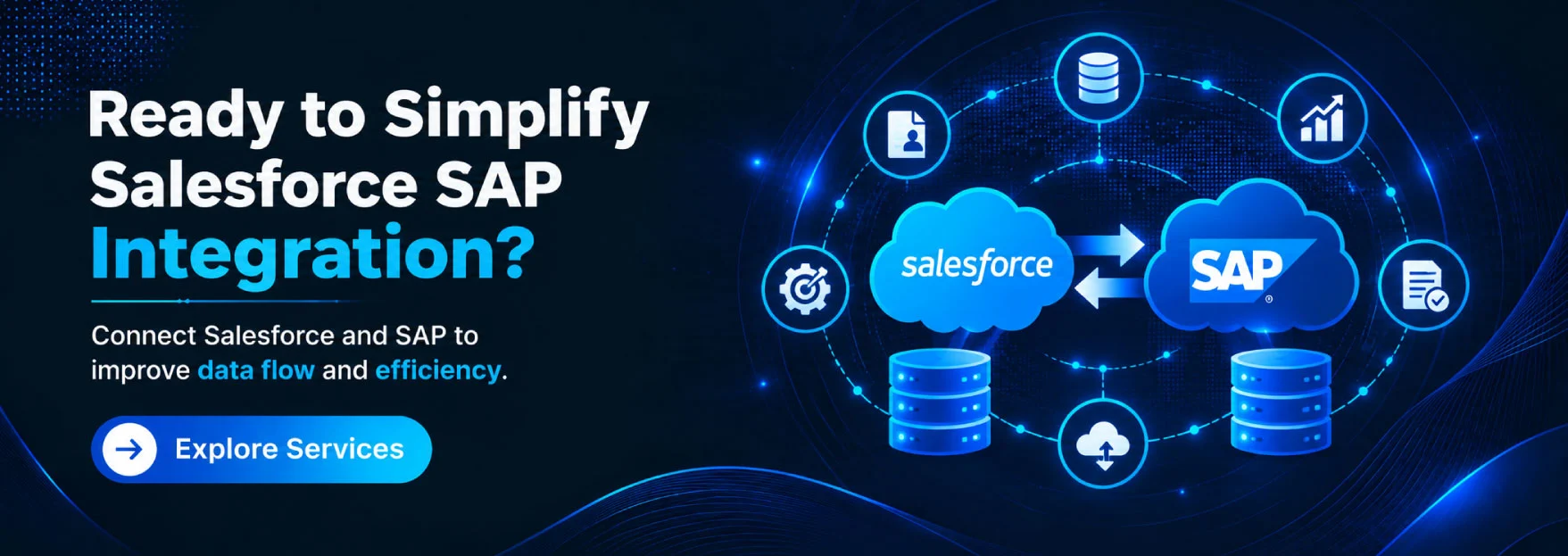
Salesforce CRM and SAP ERP are integrated through a salesforce sap integration, allowing a smooth exchange of corporate data. SAP holds control of finance, inventories, and operations, whereas Salesforce is in charge of leads, sales activity, and customer connections. Teams can improve departmental cooperation by exchanging client records, orders, invoices, and product details by integrating both systems.
➢ How Does Salesforce SAP Integration Work?
APIs, middleware, or integration connectors are used in SAP salesforce integration service to transfer data between the two platforms. Companies can use planned batch updates or real-time information synchronization. For example, the integration sends order details to SAP for processing, inventory checks, and billing when a salesperson puts an order in Salesforce.
Why Do Businesses Need Salesforce SAP Integration in 2027?
• A consistent flow of corporate data across departments is produced by integrating Salesforce and SAP.
• Sales and finance teams can collaborate more successfully when they have access to shared sales and financial data.
• Automation increases operational accuracy, decreases inconsistencies, and minimizes repetitive data entry. Businesses can
• Select appropriate integration strategies and match them with expansion goals with the help of a Salesforce integration consultant.
• Faster replies and more consistent service are made possible by having access to precise customer, order, and inventory data.
Benefits of Salesforce SAP Integration for Businesses
➪ Centralized Customer and Business Data
Customer, sales, inventory, and financial data are all combined when sap salesforce integration are performed. Teams are able to make consistent, well-informed business decisions as a result of the creation of a unified data picture and the reduction of information silos.
➪ Real-Time Data Synchronization
Timely data sharing between systems is made possible with Salesforce SAP connectivity. Teams can access updated inventory data, order status, and customer records, which minimizes manual updates and increases operational accuracy.
➪ Improved Customer Experience
Teams can respond to client needs more quickly when they have access to precise order information and consistent customer profiles. Companies can provide more consistent client experiences, handle problems quickly, and personalize interactions.
➪ Increased Sales Team Productivity
Without having to switch between different systems, sales teams may obtain relevant data about customers, products, prices, and orders. Employees can concentrate more on building relationships with customers and closing deals when repetitive duties are reduced by automated workflows.
➪ Better Financial Visibility
Businesses can more efficiently track income, invoices, and order values by integrating Salesforce sales data with SAP financial records. Better financial planning is made possible, cash flow monitoring is supported, and reporting accuracy is increased.
➪ Reduced Operational Costs
Manual data entry, duplicate records, and tedious administrative tasks are decreased when Salesforce and SAP data communication is automated. Companies can reduce errors, optimize procedures, and use employee time and resources more efficiently by hiring salesforce integration agency.
Also Read : List of Salesforce Integration Partners in India for CRM, ERP, and Data Integration
Different Methods of Salesforce SAP Integration
➠ API-Based Integration
Salesforce sap integration services use APIs via API-based integration. This makes it possible for systems to communicate data in real time, including orders, invoices, inventory, and customer records. Businesses that require quick, clear communication between platforms can benefit significantly from this approach. However, error handling, secure API management, and suitable data formats are necessary for a successful implementation.
➠ Middleware-Based Integration
Middleware-based integration connects SAP and Salesforce via a middleman platform. It controls system communication, message routing, and data transformation. This method streamlines complicated integration processes and minimizes direct dependence. Middleware can also be used by businesses to monitor data flows throughout their enterprise IT environment, connect more apps, and improve scalability.
➠ Salesforce SAP Integration Using MuleSoft
Salesforce may be integrated with SAP apps and other enterprise systems using MuleSoft’s integration tools. Businesses can manage APIs, automate processes, and communicate data thanks to its connectors and Anypoint Platform features. MuleSoft allows businesses to integrate financial records, orders, and client data. Organizations looking for reusable integrations across several applications will benefit from this strategy.
➠ Salesforce SAP Integration Using SAP Integration Suite
Businesses can integrate Salesforce with SAP S/4HANA, SAP ERP, and other programs with the help of SAP Integration Suite. It provides prebuilt content, integration flows, and tools for managing data interchange and APIs. It can be used by organizations to synchronize business operations across platforms. Businesses who have already made investments in SAP’s cloud ecosystem will find this option very helpful.
➠ Custom Salesforce SAP Integration
Creating custom sap and salesforce integration aligns with particular company needs is known as custom integration. To manage special workflows, intricate data structures, or legacy systems, developers can employ APIs, bespoke code, and integration frameworks. This approach may involve more expensive development, strict testing, and continuous maintenance even if it provides flexibility and control.
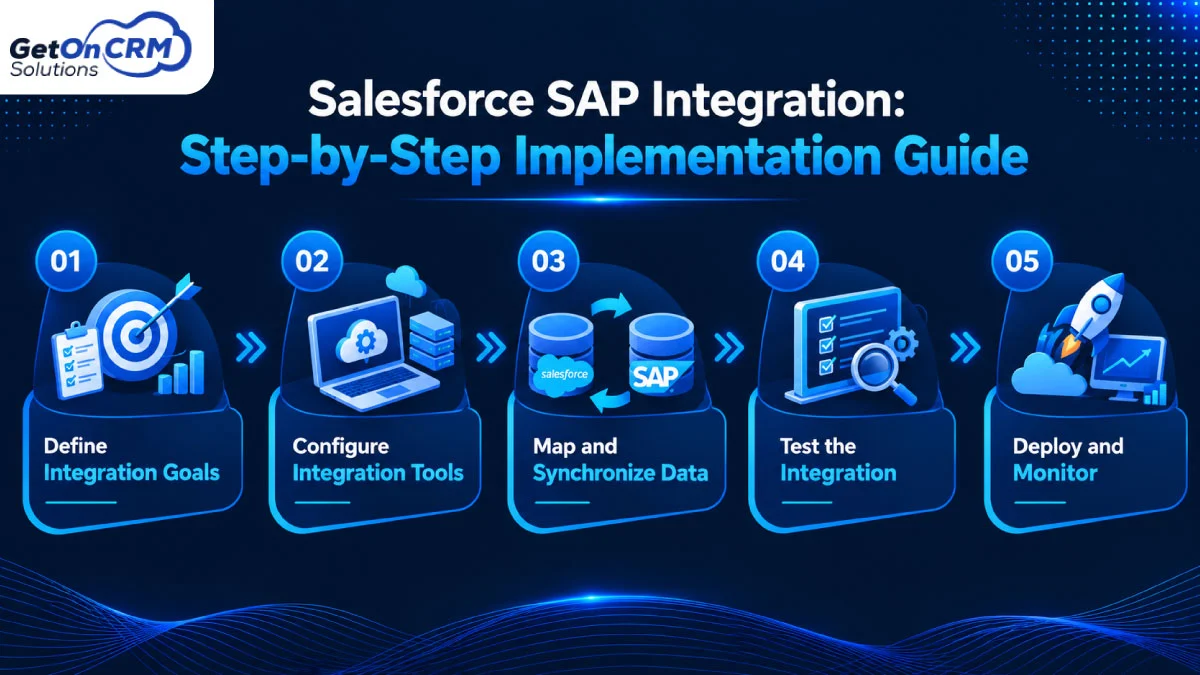
Salesforce SAP Integration: Step-by-Step Implementation Guide
Step 1: Define Integration Goals
Determine which business processes need to be integrated with SAP and Salesforce first. These could include financial reporting, order processing, inventory tracking, and customer data management. Establish precise goals, specify expected results, and choose KPIs. This planning phase helps in coordinating integration initiatives with operational needs and corporate priorities.
Step 2: Configure Integration Tools
Select a platform for SAP integration with salesforce based on your budget, company needs, and technical environment. Custom API-based solutions, SAP Integration Suite, and MuleSoft are a few of the options. Set up the necessary network access, connectors, and authentication techniques. To safeguard confidential company data and ensure consistent data transfer, establish secure connections between the two platforms.
Step 3: Map and Synchronize Data
Determine which data fields—such as customer information, product details, orders, and invoices—need to be transferred between Salesforce and SAP. Map related fields and fix data format discrepancies. Salesforce integration experts may assist in defining data ownership, creating synchronization rules, and avoiding duplicate records. By doing these actions, both systems become more consistent.
Step 4: Test the Integration
Before moving the integration into production, give it a thorough test. Check workflow execution, error management, synchronization speed, and data accuracy in various business scenarios. Verify that updates in one system show up properly in the other. To guarantee reliable communication between Salesforce and SAP, fix mapping problems, authentication errors, and duplicate entries.
Step 5: Deploy and Monitor
After functional, security, and performance testing are finished, deploy the integration. To catch such problems early, keep monitoring data flows, synchronization faults, API usage, and system response times. To ensure consistent operations, set up warnings and regular maintenance protocols. As data volumes and integration requirements increase, regular evaluations also help firms maximize performance.
How to Prepare for Salesforce SAP Integration
1. Define Integration Requirements
Determine which business operations, such as order processing, financial reporting, and customer administration, require connectivity between Salesforce and SAP. Establish precise goals, anticipated results, and data-sharing specifications. To guarantee that the integration improves operational efficiency and supports business priorities, identify stakeholders from the IT, sales, and finance departments.
2. Check System Compatibility
Verify compatibility between versions, APIs, connectors, and current applications by reviewing your Salesforce and SAP environments. Verify whether S/4HANA or an older ERP platform is used by your SAP system. To avoid integration delays and unforeseen implementation costs, evaluate network connectivity, infrastructure requirements, and technical constraints as soon as possible.
3. Select an Integration Method
Based on your budget, technical expertise, scalability goals, and business needs, select an integration strategy. MuleSoft, SAP Integration Suite, middleware platforms, API-based integration, and custom programming are among the options. Before choosing the best option for your company, consider the complexity, maintenance requirements, and real-time data capabilities of each approach.
4. Prepare Business Data
Before joining the two systems, examine the current records in each. Standardize customer, product, and transaction data, eliminate duplicate entries, and fix conflicting formats. Establish precise mapping guidelines between Salesforce and SAP areas and specify data ownership. The reliability of integrated business processes is increased, and synchronization mistakes are decreased with consistent data.
5. Plan Security and Maintenance
Prior to implementation, establish safety measures such as encryption, secure authentication, role-based access controls, and audit logging. Specify who has access to and can change shared data on both platforms. To maintain integration performance and safeguard important business data, create a maintenance plan that addresses system updates, error monitoring, backup procedures, and troubleshooting.
Common Salesforce SAP Integration Challenges and Solutions
➤ Data Compatibility Issues
Information may be stored in different formats, structures, and field types between Salesforce and SAP. Inaccurate recordings or unsuccessful data transfers may result from these variations. Standardize data formats, provide uniform field mappings, and verify records prior to synchronization in order to overcome this difficulty. This method lowers integration mistakes and increases data consistency.
➤ Data Synchronization Errors
When modifications do not work, duplicate records show up, or systems exchange out-of-date data, synchronization issues can happen. These problems may have an impact on reporting and interfere with company operations. To increase reliability, use automated error handling and data validation rules. Frequent synchronization checks also assist teams in finding and promptly resolving inconsistencies.
➤ Integration Security Concerns
Potential risks associated with connecting Salesforce and SAP include data disclosure, unauthorized access, and security flaws. Throughout the integration process, businesses must safeguard sensitive client and financial data. Make use of audit logs, role-based access controls, encryption, and secure authentication. Frequent security evaluations assist in finding vulnerabilities and ensuring adherence to relevant regulations.
➤ Complex System Architecture
Businesses that use several databases, corporate platforms, or legacy applications may find it difficult to integrate Salesforce with SAP. These dependencies could make troubleshooting and implementation more time-consuming. To make communication easier, use scalable integration options like middleware or API-driven connectivity. Future system upgrades and new integrations are also supported by a modular architecture.
➤ Maintenance Challenges
Updates to SAP and Salesforce may have an impact on current integration workflows, APIs, and connectors. Businesses could face performance problems, synchronization problems, or unplanned downtime in the absence of routine maintenance. Regularly check error logs, set up automated alerts, and keep an eye on integration performance. Plan compatibility tests and make appropriate workflow updates to ensure dependable data interchange as company needs change.
Salesforce SAP Integration Best Practices for 2027
• For Salesforce SAP integration, set quantifiable targets and precise integration objectives
• By eliminating duplicate records and standardizing formats, you can preserve data quality.
• Select an integration platform that is scalable and can accommodate changing business needs.
• To guarantee reliable deployment and smooth connectivity, choose professional salesforce integration services.
• Make security a top priority by implementing access controls, secure authentication, and encryption.
• To quickly fix problems, test workflows frequently and keep an eye on integration performance.
• With adaptable connectors that enable new apps and business processes, you can prepare for future expansion.
Also Read: Salesforce Integration Cost in 2026: A Complete Pricing Guide
How Much Does Salesforce SAP Integration Cost?
➡ Factors Affecting Integration Costs
The number of workflows involved, data volume, and system complexity all affect Salesforce SAP integration expenses. The budget is also influenced by developer experience, connector costs, and platform licensing. Businesses should also budget for testing, ongoing maintenance, and technical assistance. Compared to traditional connector-based solutions, custom integrations typically involve more development work.
➡ Tips to Reduce Integration Costs
By prioritizing critical processes and introducing new capabilities slowly, businesses may manage the costs associated with Salesforce SAP integration. Development time can be decreased by using prebuilt connectors from platforms like MuleSoft or SAP Integration Suite. To save rework and long-term maintenance costs, avoid unnecessary customization, keep clean business data, and carefully plan integration requirements.

Ready to Simplify Your Salesforce SAP Integration in 2027?
Salesforce integration with SAP allows organizations to improve data accuracy, connect sales and finance, and automate workflows. Selection of the ideal integration partner ensures scalability, security, and long-term efficiency.
A reliable Salesforce integration company helps you overcome technical complications and streamlines implementation. Partner with skilled professionals to build a connected business ecosystem in 2027.